03 / Operations software
Rental, from collection to return
Rental staff run daily operations — from issuing equipment to closing a shift — in one system.
The task
Staff need to issue available equipment, collect payment and handle returns — including extensions and equipment changes.
What we built
Orders connect equipment to payments. QR codes support collection and return, with a separate view for payment discrepancies.
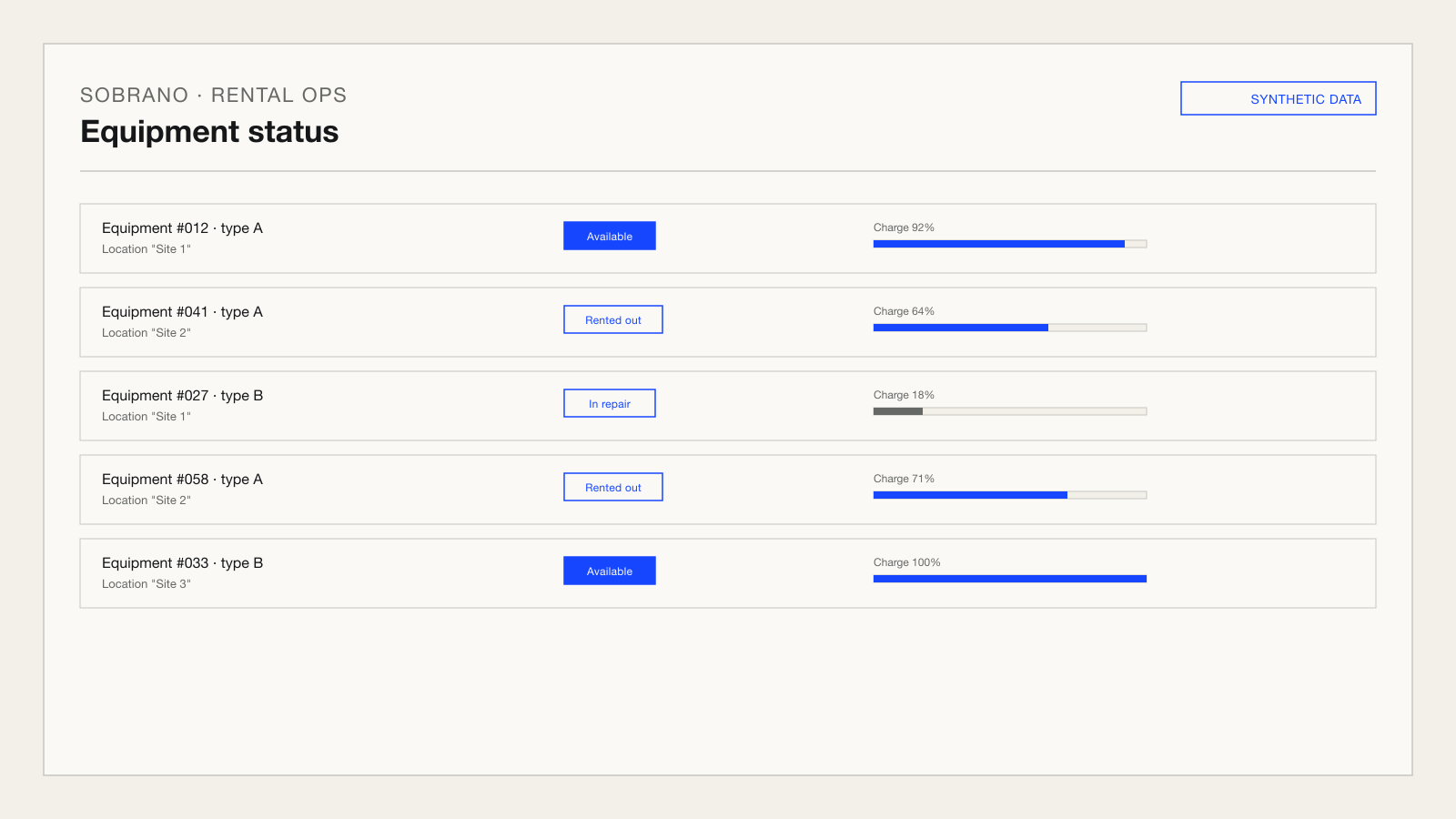
An item cannot have two active rentals
Card, instant bank payment and cash support
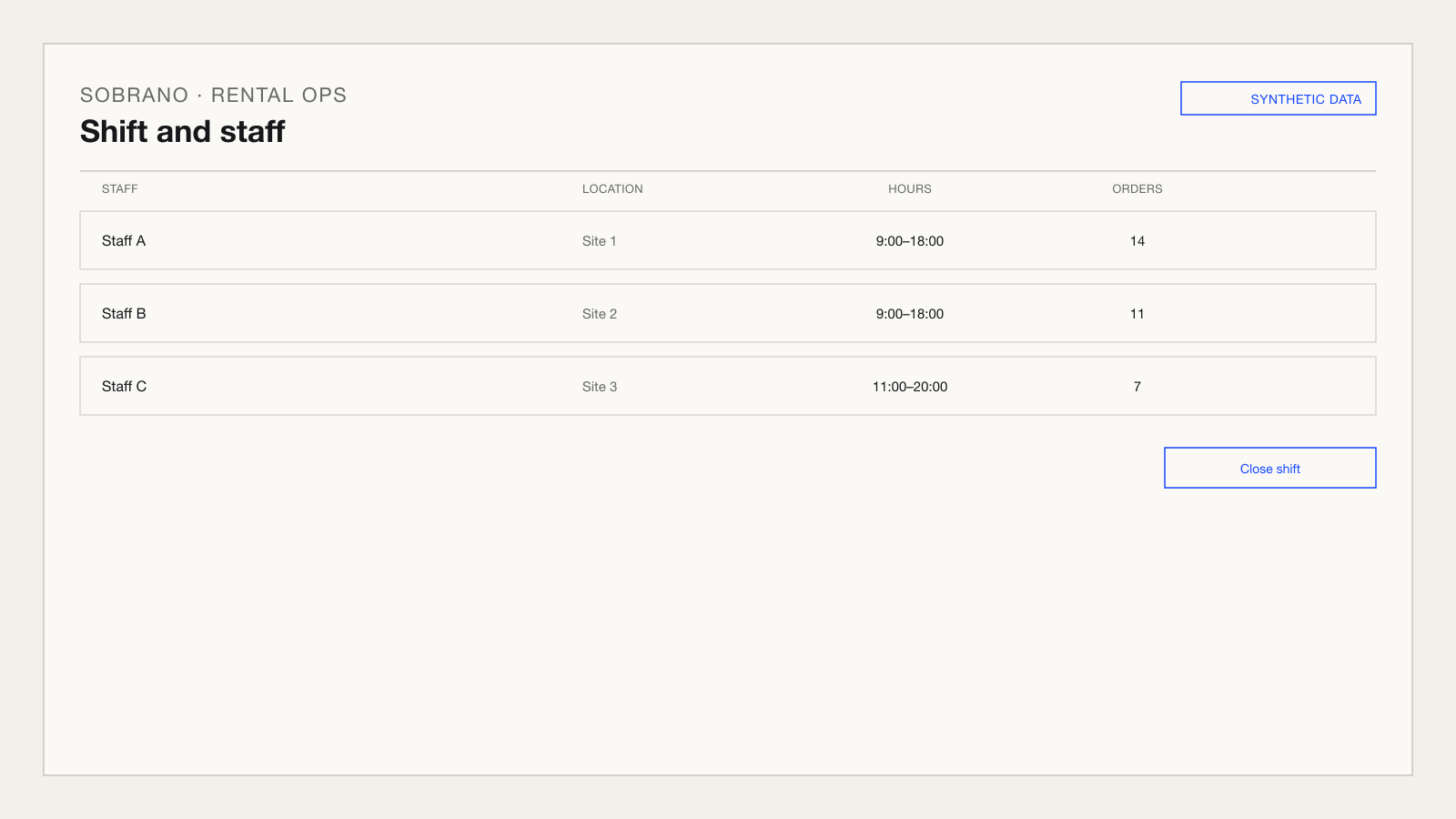
Returns, repairs and shift closing in one system
More product screens
How it works
- Verification & order creation
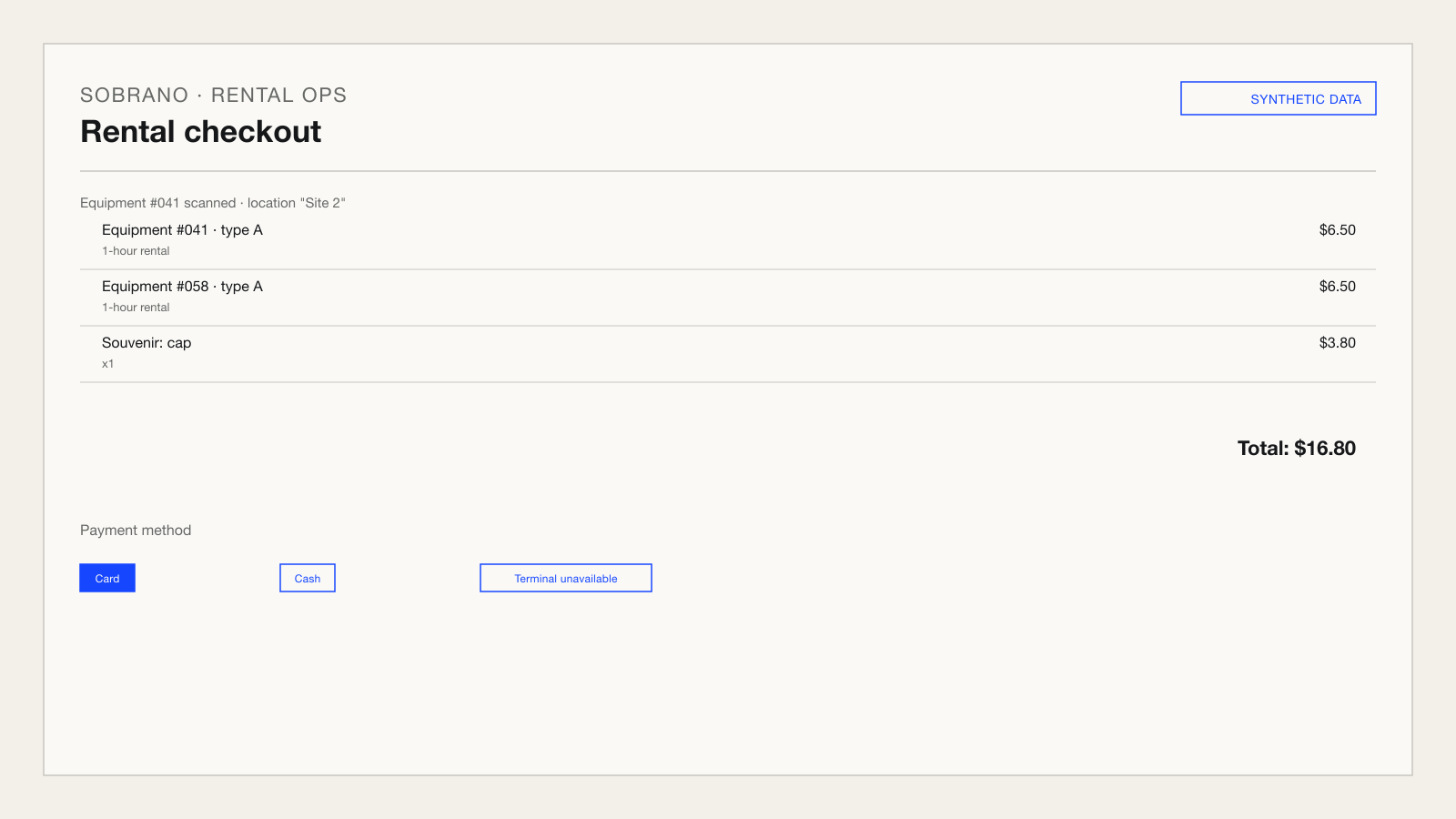
Staff scan the equipment QR code and create an order with one or more equipment items and optional merchandise.
- Payment
A payment operation is created with an external payment provider; the result may arrive immediately or through a delayed status update.
- Unresolved result
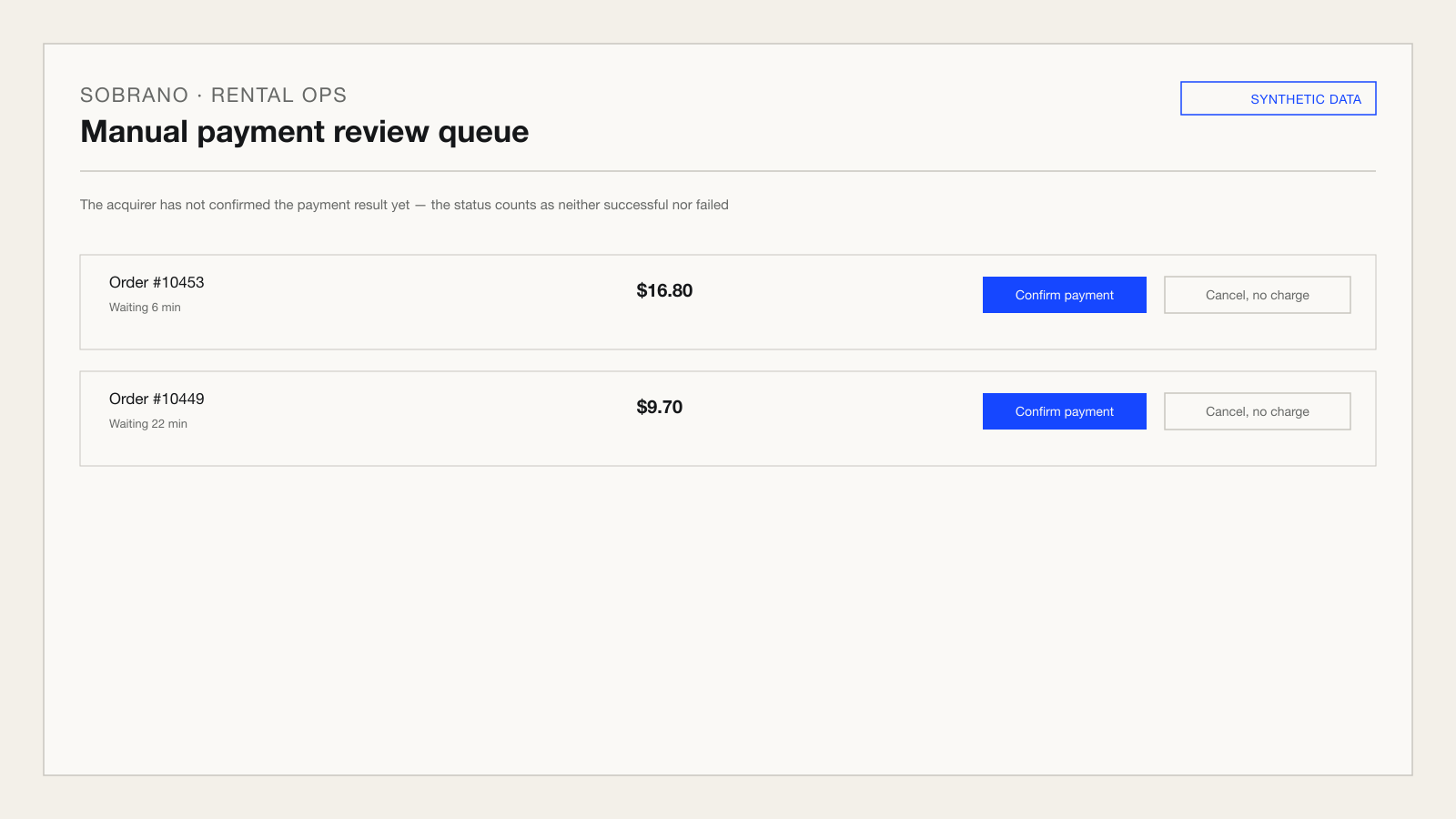
If the payment status is not confirmed right away, the operation goes into an attention queue instead of being treated as automatically successful or failed.
- Service
An active order can be extended, edited, or completed, and equipment can be replaced if needed.
- Daily close
Daily background jobs close shifts, update battery state, and export reports exactly once per day.
For your technical team: inside the solution
A web application serves the rental points and connects to an external payment provider and a database; a separate scheduler process closes shifts, updates battery state, and exports reports once a day.
- Web application for rental points
- External payment provider
- Daily background-job scheduler
Reliability
- Access roles are scoped to a specific location; the root level sees all locations.
- Equipment maintenance and repair history is preserved as part of its lifecycle.
- Daily jobs do not stop entirely because one of them fails.
- A refund is full and single-use per operation: the system will not allow refunding more than was originally received.
Decisions and trade-offs
An unresolved result moves the operation into a separate attention queue instead of being treated as an automatic success or failure.
The result of a remote payment operation is not always known immediately.
A network error does not serve a customer without confirmed payment and does not block the location without reason.
A refund is calculated from the original operation and the amount already refunded, not as an independent action.
A refund has to account for what was already refunded earlier on the same order.
A repeated refund cannot double the amount paid to a customer.
Each job is protected by a process-level lock and a unique record of that day's run.
Daily jobs must run exactly once per day even after a service restart.
Shifts are not closed twice and reports are not duplicated after a restart.
A fallback issuance flow exists for situations when the main payment path is unavailable.
A payment terminal or provider can be temporarily unavailable, and a rental point should not stop serving customers because of it.
An external service outage does not block service at the rental point.
A new sale on a device is blocked while an operation on that device is still in progress.
The same payment terminal should not start a new sale while a previous operation on it is still processing.
Two payments on the same terminal cannot overlap or confuse the cash totals.
Technologies
- Python
- Flask
- PostgreSQL
- APScheduler
- Gunicorn